The best dash cam for Tesla Model Y and Model 3 in 2026 is the VIOFO A229 Pro, thanks to its dual Sony STARVIS 2 sensors, 4K front resolution, and low-power parking mode that doesn’t drain the car’s 12V battery the way Tesla’s built-in Sentry Mode can. If a factory-integrated look matters more than raw image quality, the FitcamX is the closest thing to an OEM camera Tesla never installed. Neither replaces Sentry Mode outright — they work alongside it.
Tesla’s built-in cameras are capable, but they weren’t designed as a standalone security system, and several real gaps show up once you understand how Sentry Mode actually behaves on 12V power. Below, we break down what TeslaCam and Sentry Mode do and don’t cover, then compare the top aftermarket options by resolution, power draw, installation difficulty, and price.
Quick Summary Box
- Sentry Mode draws 250–300 watts continuously, which can cost roughly 1–3 miles of range per hour parked (figures vary by vehicle and battery health)
- Best overall aftermarket pick: VIOFO A229 Pro — dual STARVIS 2 sensors, 4K front / 2K rear, ~$280–$300
- Best for a factory look: FitcamX — integrates into the A-pillar and mirror housing for a near-invisible install
- Best budget option: Garmin Dash Cam Mini 2 — compact, simple, roughly $120–$130
- Tesla’s own USB port behind the glovebox stays powered in Sentry Mode standby, making it the common tap point for aftermarket hardwiring
| Category | Recommendation |
|---|---|
| Best Overall | VIOFO A229 Pro |
| Best Factory-Look Install | FitcamX |
| Best Budget | Garmin Dash Cam Mini 2 |
| Best for Rideshare/Interior Coverage | VIOFO A229 Pro 3CH |
| Keep Using Alongside Aftermarket Cam | Tesla Sentry Mode + TeslaCam |
Why Model 3 and Model Y Owners Look Beyond Sentry Mode
Every Model 3 and Model Y since 2019 ships with TeslaCam, Tesla’s built-in dashcam system that uses the same front, rear, and side cameras as Autopilot. Footage is stored on a USB drive plugged into the center console or glovebox, and Sentry Mode records from all cameras when the car is parked and detects motion, impact, or nearby objects.
That system has real strengths: no extra hardware, no visible wiring, and full integration with the car’s existing sensors. But two gaps consistently push owners toward an aftermarket camera:
No Cloud Backup
TeslaCam footage lives only on the USB drive. If that drive is stolen, fails, or fills up, the footage is gone, since Tesla does not automatically upload TeslaCam recordings to the cloud. DIY workarounds exist using a Raspberry Pi and Wi-Fi uploader, but they aren’t plug-and-play.
No Real-Time Remote Alerts
Sentry Mode sends a push notification when it activates, but there’s no way to view live footage remotely or get real-time LTE incident clips without being near the car’s own Wi-Fi hotspot. Aftermarket cameras with built-in LTE (like Nexar Pro) close that gap.
Sentry Mode’s Power Draw
This is the detail most owners underestimate. Sentry Mode keeps the car’s cameras and computer active, which pulls a meaningful continuous load from the 12V system. Left running overnight in a parking garage, that adds up — commonly cited estimates put it at 20–30 miles of range lost by morning (actual draw depends on ambient temperature, car software version, and battery condition, so treat this as a directional figure rather than a guarantee).
By contrast, a dedicated aftermarket dash cam typically draws only 3–5 watts when hardwired with a proper voltage-cutoff kit, giving parking-mode coverage without touching the main battery pack.
Top Dash Cam Picks for Tesla Model Y and Model 3
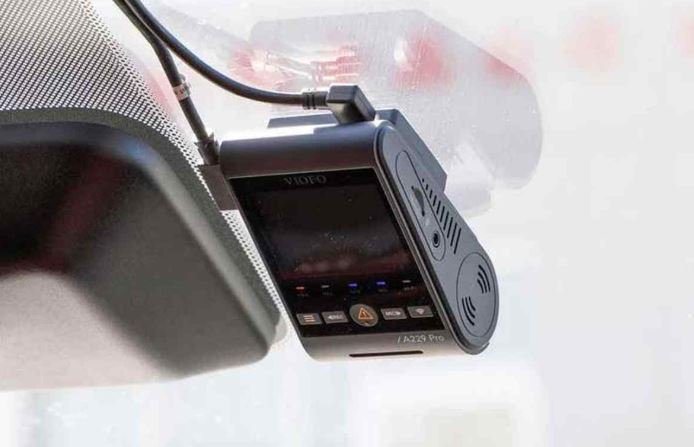
1. VIOFO A229 Pro — Best Overall
The A229 Pro pairs a Sony STARVIS 2 IMX678 sensor up front with an IMX675 in the rear, giving 4K front and 2K rear recording with genuinely usable night footage — a common complaint about Sentry Mode’s compressed 1080p output. It supports 5GHz Wi-Fi, GPS logging, voice control, and buffered parking mode.
- Resolution: 4K front / 2K rear
- Price range: ~$280–$300 (2-channel); 3-channel version priced higher
- Install: Requires a hardwire kit (VIOFO’s Type-C HK4) for parking mode; moderate DIY difficulty
- Best for: Owners who prioritize footage quality and license-plate detail over discreet looks
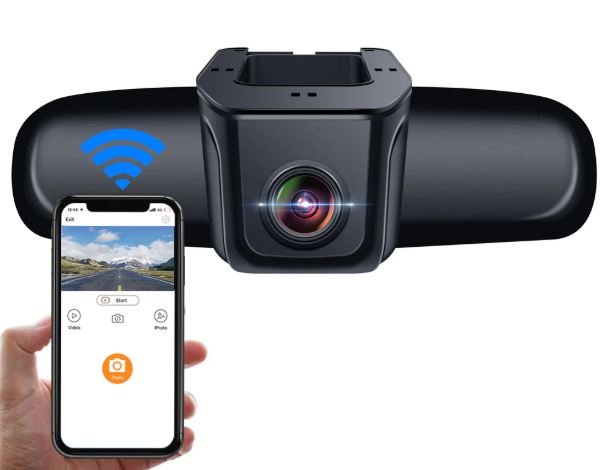
2. FitcamX — Best Factory-Look Install
FitcamX is built specifically for the Tesla aesthetic, routing wiring through factory channels so the camera housing sits nearly flush with the mirror and A-pillar trim. Image quality is solid but generally regarded as a step behind the A229 Pro in low-light detail.
- Resolution: 4K (front-focused)
- Price range: Not disclosed publicly in a consistent way across sellers — pricing varies by installer/kit bundle
- Install: Professional install recommended for the cleanest result
- Best for: Owners who don’t want any visible wiring or aftermarket look
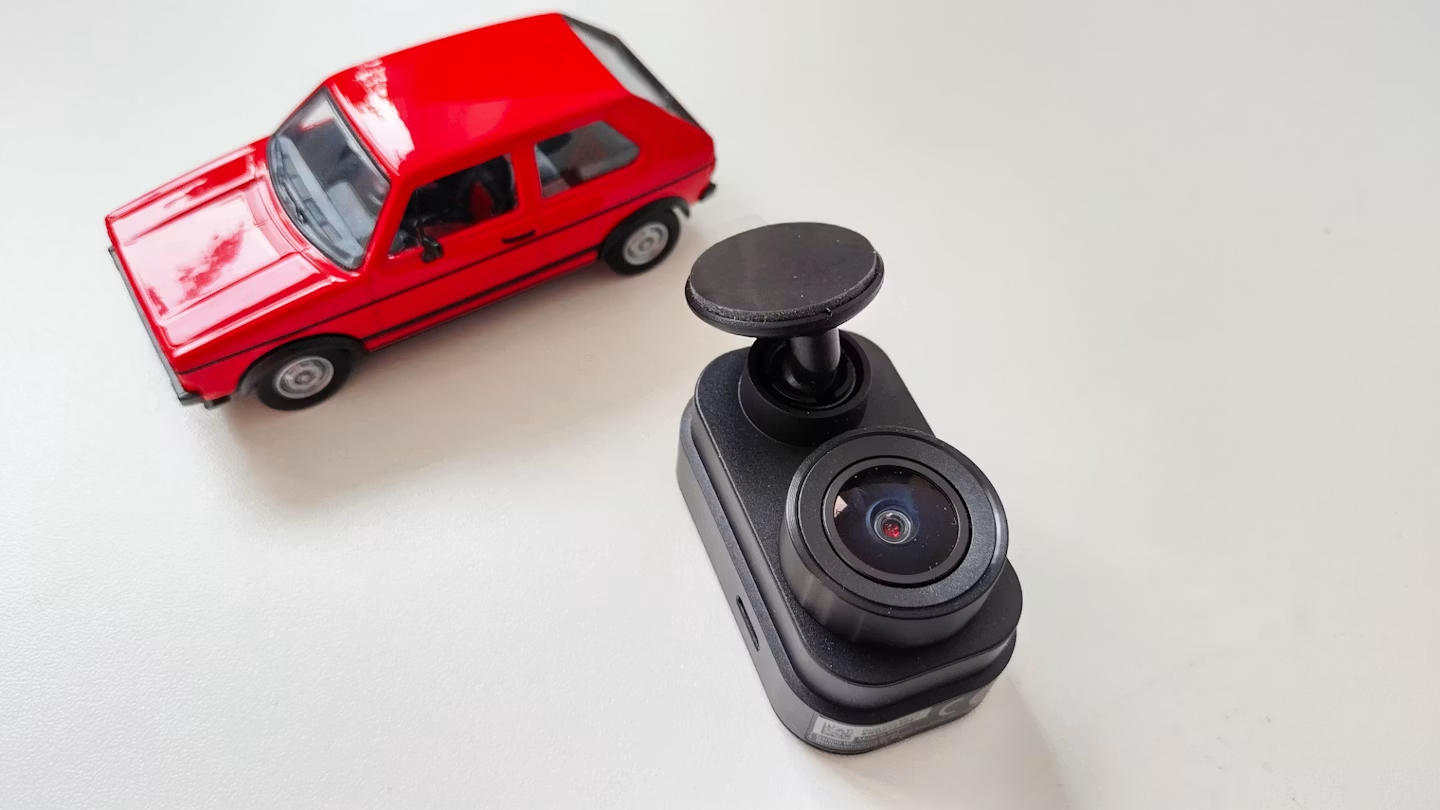
3. Garmin Dash Cam Mini 2 — Best Budget Pick
A compact, no-frills option for owners who mainly want basic front-facing coverage without a complex install.
- Resolution: 1080p
- Price range: ~$120–$130
- Install: Simple suction or adhesive mount; minimal wiring
- Best for: Budget-conscious buyers who don’t need 4K or dual-channel coverage
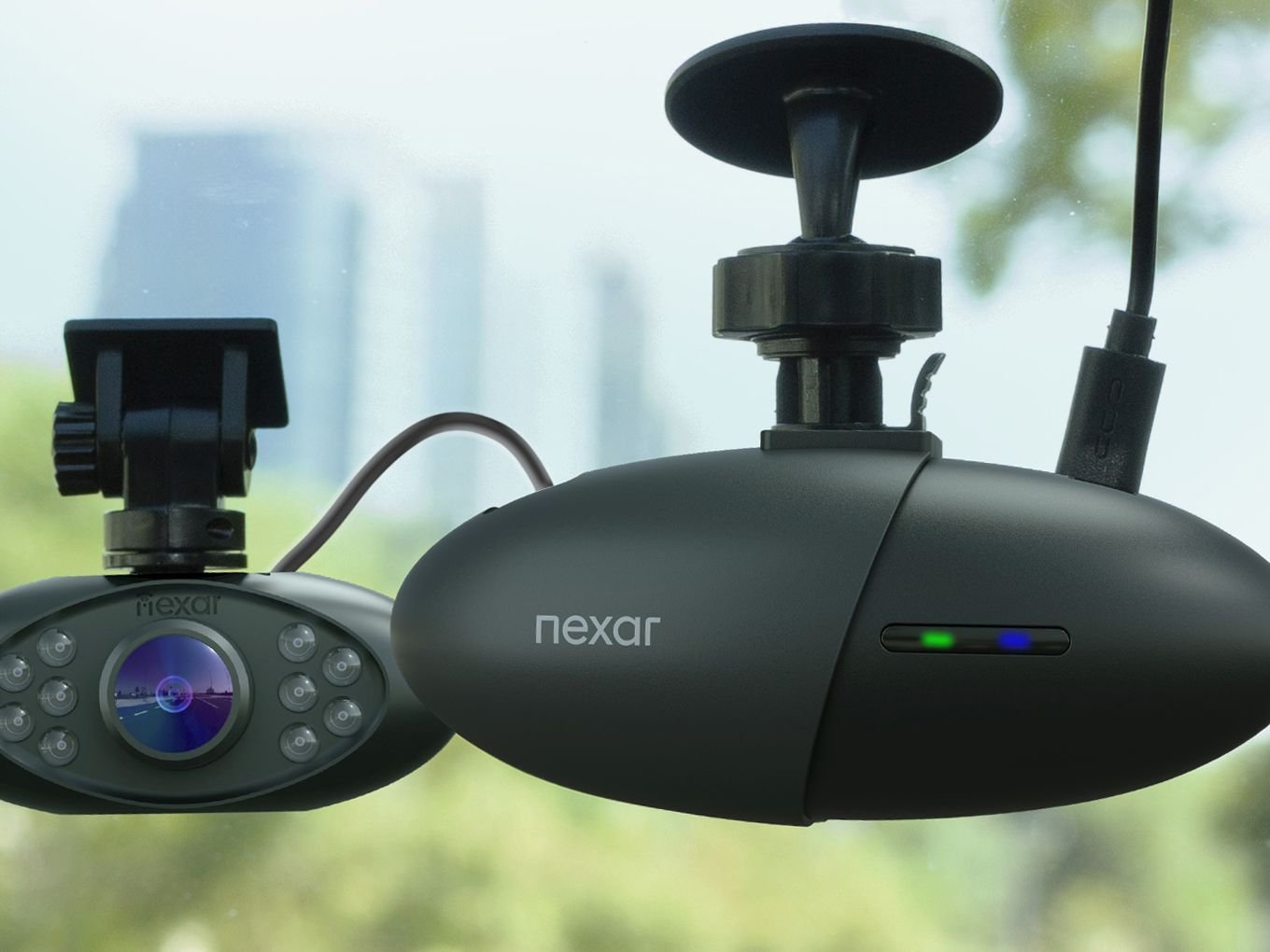
4. Nexar Beam / Nexar Pro — Best for Cloud Backup
Rather than replacing TeslaCam, Nexar cameras run independently and add cloud upload plus real-time incident alerts — directly addressing TeslaCam’s two biggest gaps.
- Resolution: Varies by model
- Price range: Subscription-based cloud features add ongoing cost beyond hardware price
- Install: Suction-mount, minimal wiring
- Best for: Owners who want cloud backup without replacing Tesla’s own cameras
Installation Notes Specific to Model 3/Y
- The USB-A port behind the glovebox stays powered in Sentry Mode standby and is a common (though not power-independent) tap point.
- For fully independent power, hardwiring to the 12V auxiliary battery via the fuse box is preferred — but Tesla switched to a lithium-ion 12V auxiliary battery in later Model 3/Y production, which has a different voltage profile than the older lead-acid unit. Set any hardwire kit’s low-voltage cutoff no lower than 12.0V to avoid drawing the auxiliary battery too low (confirm your production year before installing).
- Dedicated battery packs (e.g., VIOFO’s BP100 or similar trunk-mounted units) offer parking-mode coverage without touching the car’s power system at all.
Comparison Table
| Model | Resolution | Approx. Price (USD) | Cloud Backup | Install Difficulty | Best For |
|---|---|---|---|---|---|
| VIOFO A229 Pro | 4K front / 2K rear | $280–$300 | No | Moderate (hardwire) | Image quality, night detail |
| FitcamX | 4K front | Not disclosed | No | Professional recommended | Factory-look aesthetics |
| Garmin Dash Cam Mini 2 | 1080p | $120–$130 | No | Easy | Budget, simple setup |
| Nexar Beam/Pro | Varies | Hardware + subscription | Yes | Easy | Cloud backup, remote alerts |
| Tesla Sentry Mode (built-in) | ~1080p | Included | No | None | Baseline coverage, no extra hardware |
Bottom Line
For most Model 3 and Model Y owners, the VIOFO A229 Pro is the strongest aftermarket dash cam of 2026 — it delivers meaningfully better night footage than Tesla’s built-in cameras without the continuous power draw of Sentry Mode. Owners who want a cleaner, factory-integrated look should consider FitcamX instead, while anyone specifically chasing cloud backup and remote alerts is better served by adding a Nexar camera alongside TeslaCam rather than replacing it. In every case, the aftermarket camera should complement Sentry Mode, not replace it entirely.